Turn a statement file into expenses
Upload a bank statement as a PDF or an image. CatatKoin reads the rows and lists them for you. You choose which rows to keep, and only those rows become expenses.
Import your first statementStatement import needs CatatKoin Pro. Create an account to start.
What it does
Rows read from your file
Upload a PDF, a PNG, or a JPEG of up to 10 MB. CatatKoin sends the file to LlamaIndex, an outside service that reads the text. The result is a list of rows with a date, a description, and an amount.
You review before anything saves
Nothing becomes an expense until you choose it. Change the category and the vault of each row. Skip any row that you do not want.
Possible duplicates are flagged
A row with the same amount and date as an expense you already have shows a **Duplicate** badge. CatatKoin does not select that row for you.
Only money you spent becomes an expense
Rows that show money in are listed but cannot be imported. Record that money as Income instead.
A history of your imports
Each import shows its status, the number of rows it read, and how many you imported or skipped.
How it works
- 1
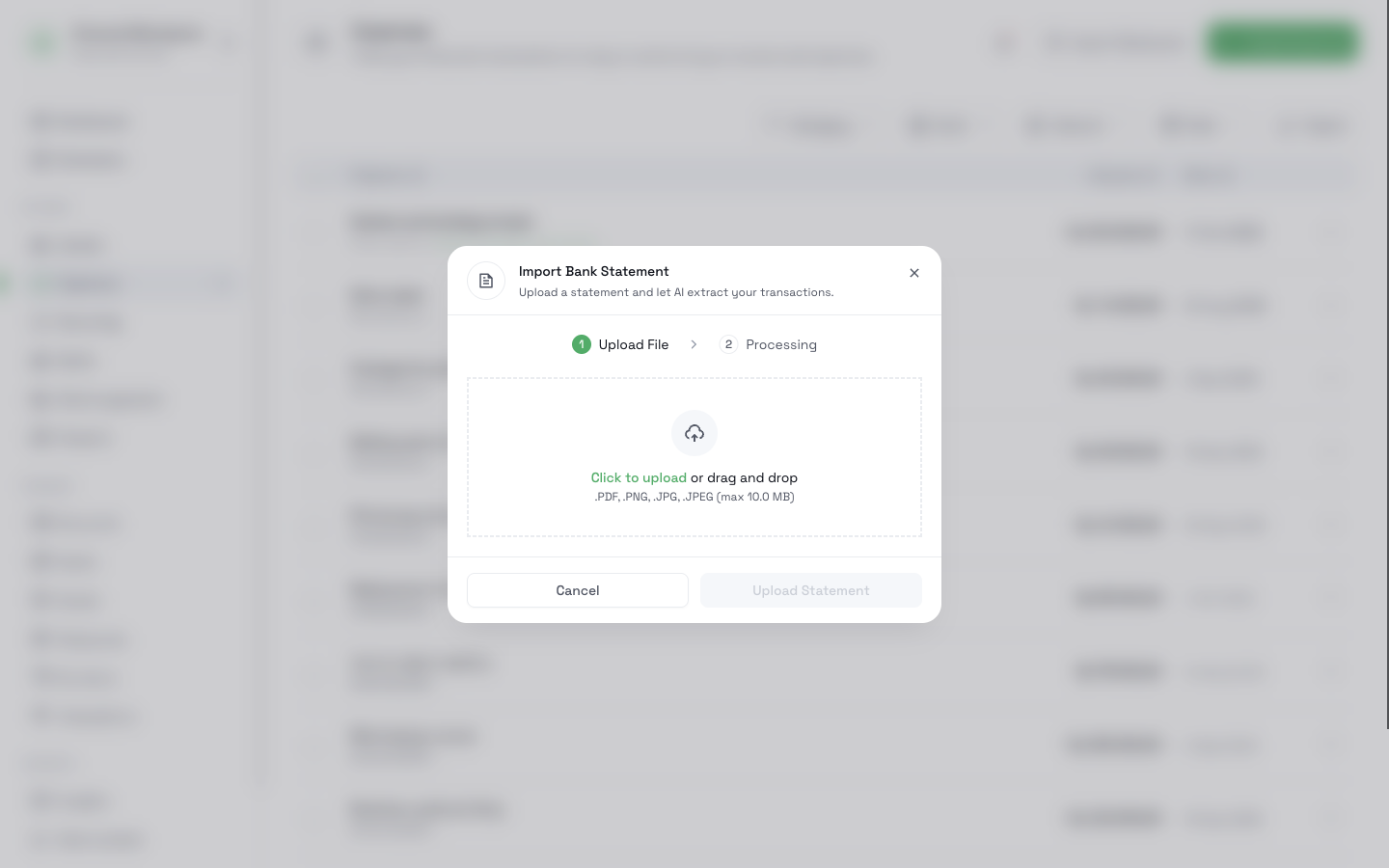
Open Expenses and click Import Statement.
- 2
Drop a PDF, PNG, or JPEG file into the window and click Upload Statement.
- 3
Wait while CatatKoin reads the file. The status changes from Processing to Ready for Review.
- 4
Open the import. Choose a category and a vault for each row. Clear the rows that you do not want.
- 5
Click the import button, for example Import 12 Transactions. The status changes to Completed, and the rows appear in your expenses.
What it does not do
- It does not connect to your bank. You upload a file that you already have.
- It does not check the result for you. The reader can make mistakes, so read each row before you import it.
- It does not import money that came in. Use Income for that.
- It does not change the balance of an account. An imported row is an expense only.
- It does not convert currencies. CatatKoin saves every imported amount in IDR.
- It does not delete the file from LlamaIndex.
Related pages
Start with a month you already have
Take last month's statement and upload it. Review the rows, and your expenses are in place.
Import your first statement